
6점짜리 작은 문제가 추가되어서 풀어보았다.
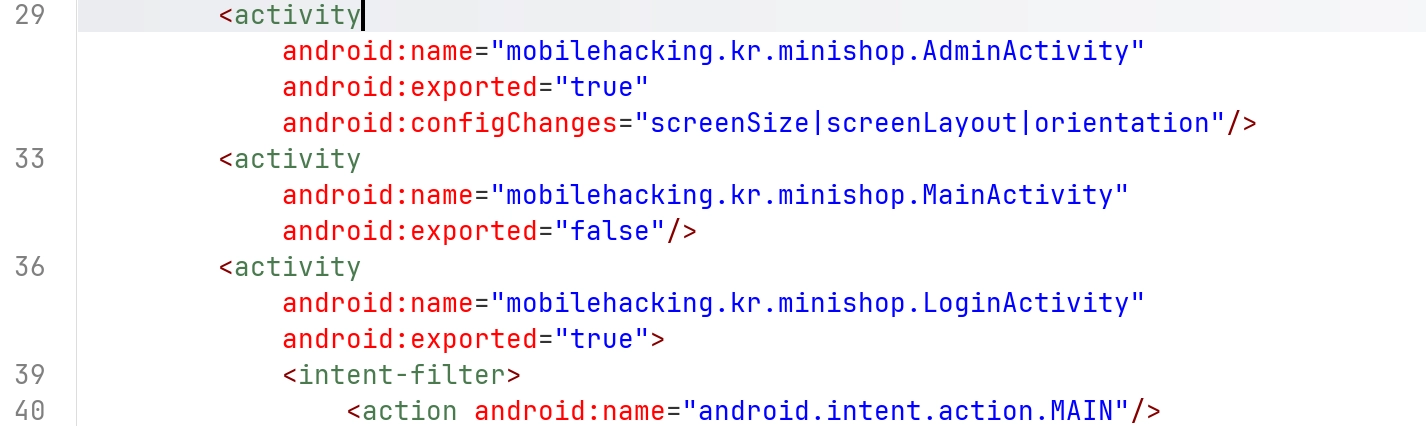
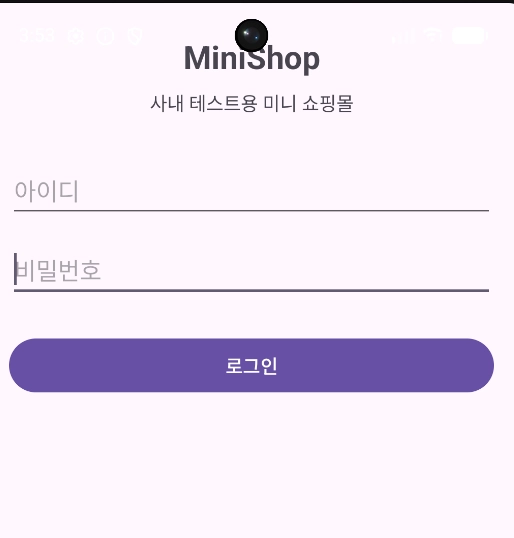
Activity는 admin, main, login 3개가 있다. s 앱을 켜면 login 화면이 있고
1
2
privatestaticfinalStringVALID_PASS="guest123";
privatestaticfinalStringVALID_USER="guest";
코드에 계정이 주어져 있으니 로그인을 하면 된다.
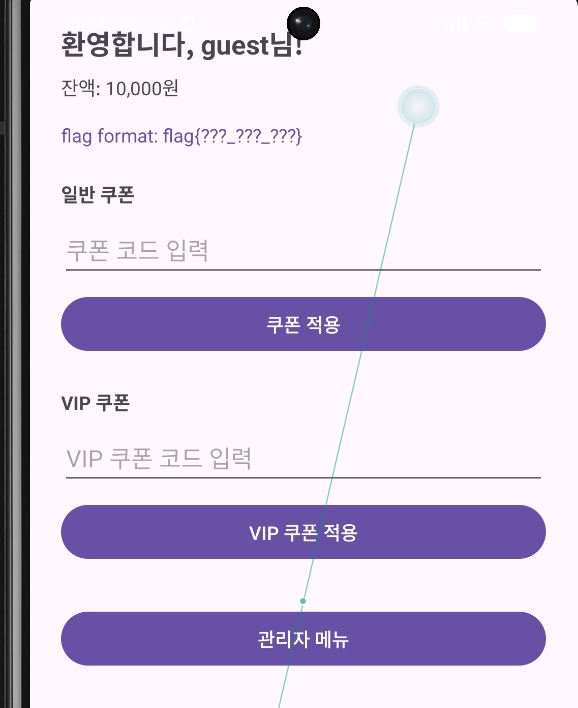
flag 형식이 3개가 있나보다.
우선 가장 눈에 보이는 쿠폰은s
1
2
3
4
5
6
7
8
9
10
11
12
13
/* JADX INFO: renamed from: lambda$onCreate$0$mobilehacking-kr-minishop-MainActivity, reason: not valid java name */
voidm1838lambda$onCreate$0$mobilehackingkrminishopMainActivity(EditTexteditText,Viewview){
  StringstrTrim=editText.getText().toString().trim();
  if(Base64.encodeToString(strTrim.getBytes(),2).equals(ENCODED_COUPON)){
    Log.d(TAG,"Coupon validation success");
    FlagSession.collectStatic();
    updateFlagDisplay();
    Toast.makeText(this,R.string.coupon_success,0).show();
    return;
  }
  Log.d(TAG,"Coupon validation failed: "+strTrim);
  Toast.makeText(this,R.string.coupon_invalid,0).show();
}
1
private static final String ENCODED_COUPON = "V0VMQ09NRTIwMzA=";
이것을 base64 decode한게 쿠폰이다.
돌리면 WELCOME2030이 나온다.
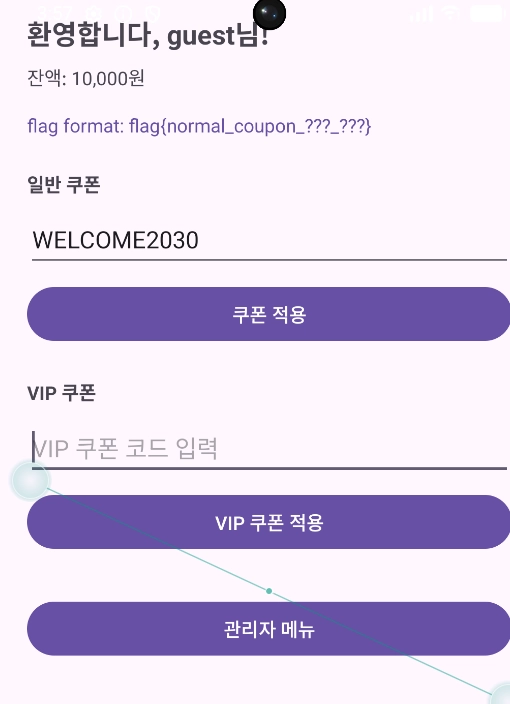
다음 VIP 쿠폰 부분을 보면
1
2
3
4
5
6
7
8
9
10
11
12
void m1839lambda$onCreate$1$mobilehackingkrminishopMainActivity(EditText editText, View view) {
        String strTrim = editText.getText().toString().trim();
        if (CryptoUtil.validateVipCoupon(strTrim)) {
            Log.d(TAG, "VIP coupon validation success");
            FlagSession.collectVip();
            updateFlagDisplay();
            Toast.makeText(this, R.string.vip_coupon_success, 0).show();
            return;
        }
        Log.d(TAG, "VIP coupon validation failed: " + strTrim);
        Toast.makeText(this, R.string.vip_coupon_invalid, 0).show();
    }
validateVipCoupon을 통과하면 된다.
1
2
3
4
5
6
7
8
9
10
11
12
13
14
15
16
17
18
19
20
21
22
23
24
25
26
27
28
29
30
31
32
33
34
35
36
37
38
39
public class CryptoUtil {
    private static final byte[] XOR_KEY = {77, 72, 75, 82};
    private static final byte[] ENCRYPTED_VIP = {27, 1, 27, ByteCompanionObject.MAX_VALUE, 30, 0, 4, 2, 96, 122, 123, 97, 125};

    public static String encode(String str) {
        return Base64.encodeToString(str.getBytes(), 2);
    }

    public static String decode(String str) {
        return new String(Base64.decode(str, 2));
    }

    public static String decrypt(byte[] bArr) {
        byte[] bArr2 = new byte[bArr.length];
        for (int i = 0; i < bArr.length; i++) {
            byte b = bArr[i];
            byte[] bArr3 = XOR_KEY;
            bArr2[i] = (byte) (b ^ bArr3[i % bArr3.length]);
        }
        return new String(bArr2);
    }

    public static boolean validateVipCoupon(String str) {
        return str.equals(decrypt(ENCRYPTED_VIP));
    }

    public static String md5(String str) {
        try {
            byte[] bArrDigest = MessageDigest.getInstance("MD5").digest(str.getBytes());
            StringBuilder sb = new StringBuilder();
            for (byte b : bArrDigest) {
                sb.append(String.format("%02x", Byte.valueOf(b)));
            }
            return sb.toString();
        } catch (NoSuchAlgorithmException unused) {
            return "";
        }
    }
}
로직이 간단하기도 하고 뭔가 손수 풀고 싶은 기분이 들어서 오랜만에 손으로 코드를 쳐봤다.
1
2
3
4
5
xkey=[77, 72, 75, 82]
vip=[27, 1, 27, 127, 30, 0, 4, 2, 96, 122, 123, 97, 125]

for i in range(len(vip)):
        print(chr(vip[i]^xkey[i%len(xkey)]), end="")
VIP-SHOP-2030
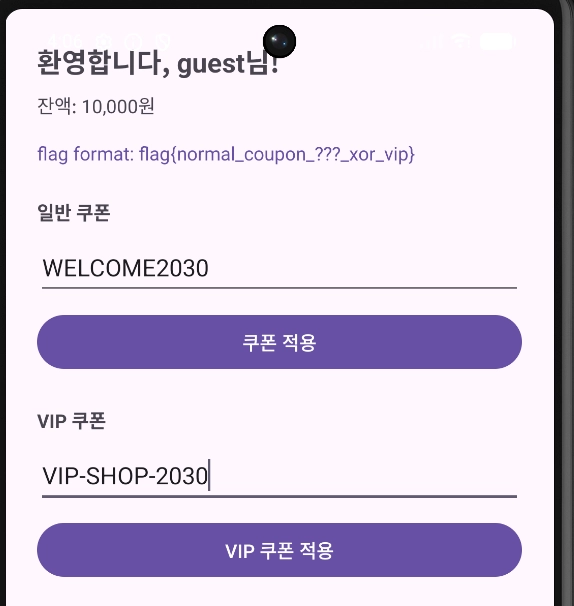
마지막으로 admin 로그인만 하면 될 것 같다.
1
2
3
4
<activity
  android:name="mobilehacking.kr.minishop.AdminActivity"
  android:exported="true"
  android:configChanges="screenSize|screenLayout|orientation"/>
exported=true이기 때문에 am start로 접근이 되긴 한다.
1
adb shell am start -n mobilehacking.kr.minishop/.AdminActivity
하지만 인증은 안된다.
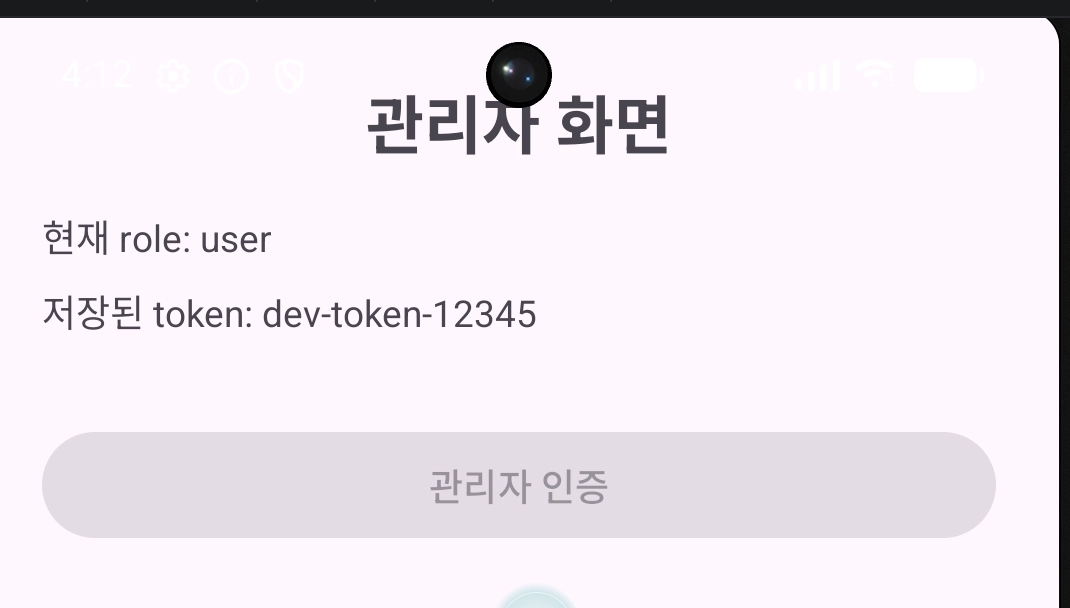
활성화되는 코드를 보면
1
2
3
4
5
6
7
8
9
10
11
12
13
14
15
public void onConfigurationChanged(Configuration configuration) {
        int i;
        super.onConfigurationChanged(configuration);
        if (this.unlocked || (i = configuration.orientation) == 0) {
            return;
        }
        if (i != this.initialOrientation) {
            this.visitedAlternateOrientation = true;
            Log.d(TAG, "Orientation changed to alternate: " + i);
        } else if (this.visitedAlternateOrientation) {
            this.unlocked = true;
            this.btnUnlock.setEnabled(true);
            Log.d(TAG, "Orientation cycle completed - admin unlock enabled");
        }
    }
기존의 핸드폰 화면 방향에서 달라졌다가 다시 돌아오면 된다.
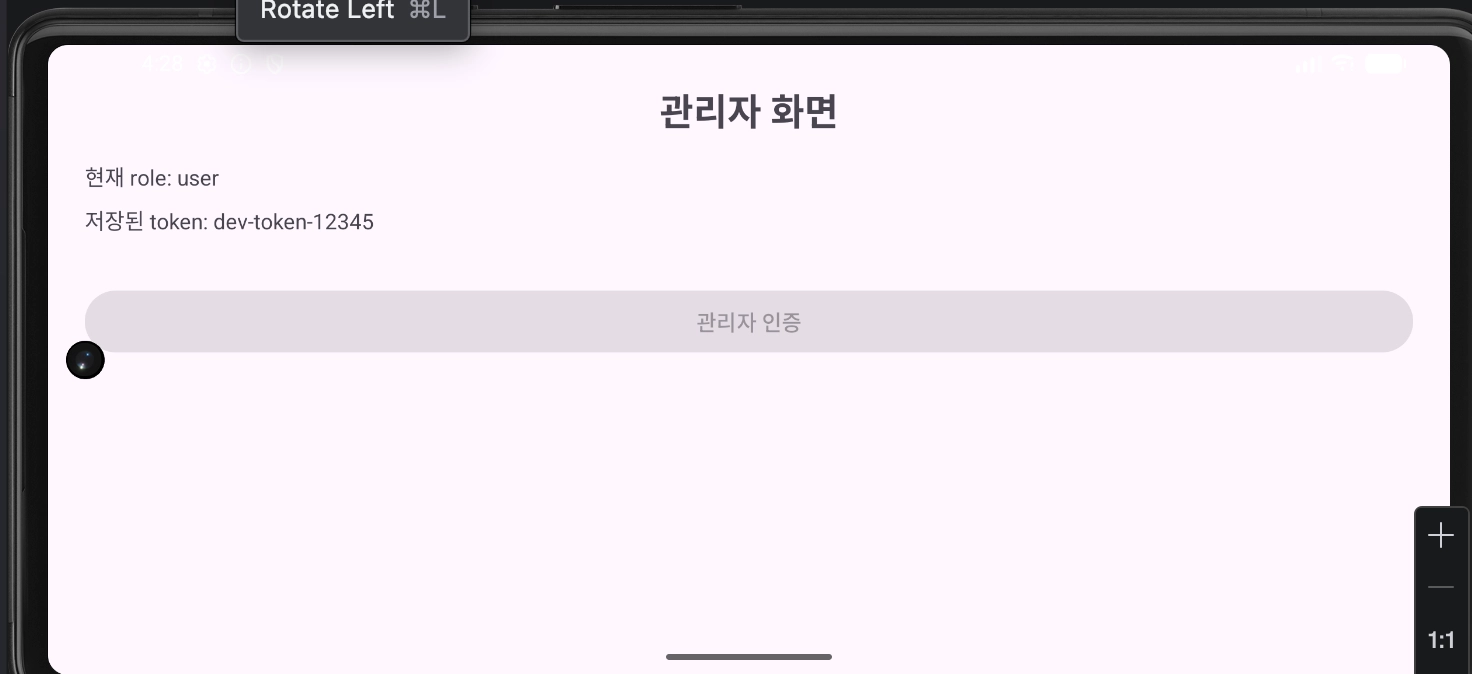
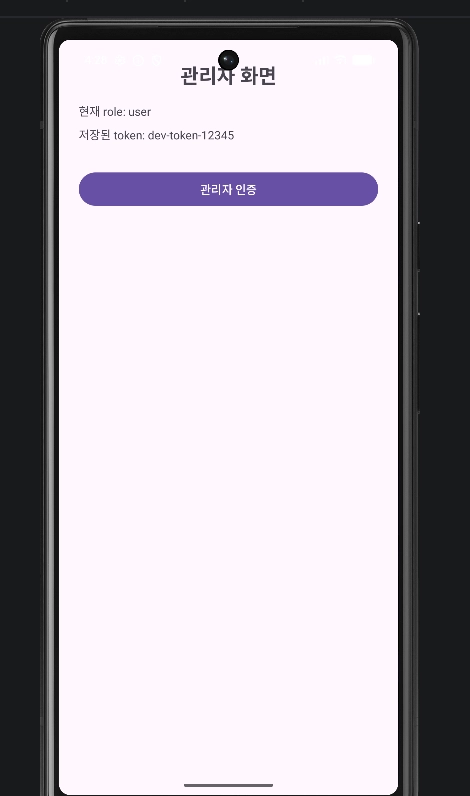
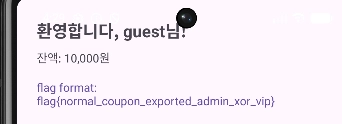
flag를 이렇게 다 구할 수 있다.
flag{normal_coupon_exported_admin_xor_vip}